FOR THE FORMS YOU ALREADY USE

A little less paperwork.
A lot more done.

Turn your PDF into a form people can fill out online.
You share a link. They answer and sign. You get the completed PDF.

For school waivers, signup sheets, and the paperwork in between.

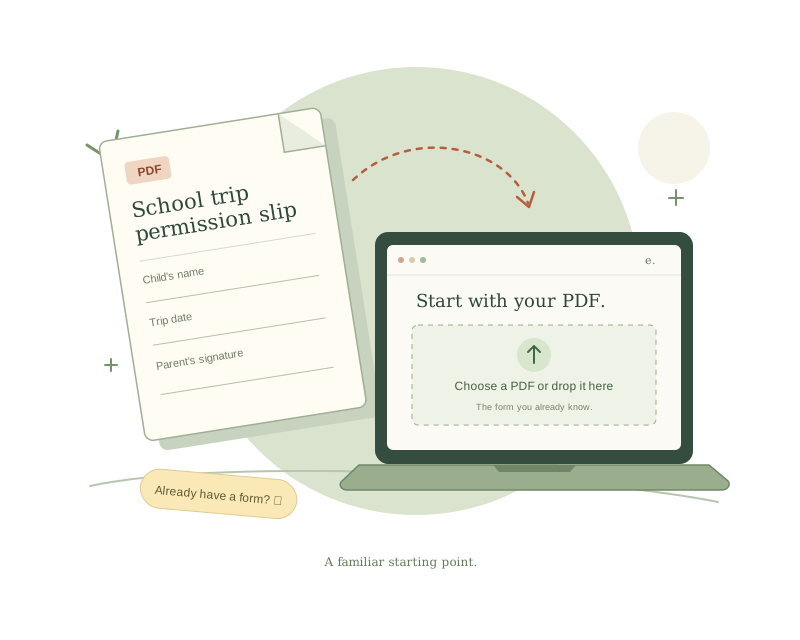
A school trip permission slip moves from a paper PDF into an online form, ready for setup.
Your familiar PDF. A new way to fill it out.

CHAPTER 01 THE STARTING POINT

Start with
what you have.

Imagine you’re organizing a school trip. You already have the permission slip—now you need everyone to fill it in.

Upload that PDF. FillFast uses AI to suggest the questions, shared answers, and where each answer belongs on the page.

Think of it as: giving your paper form a helpful online version.

What do I need to get started?
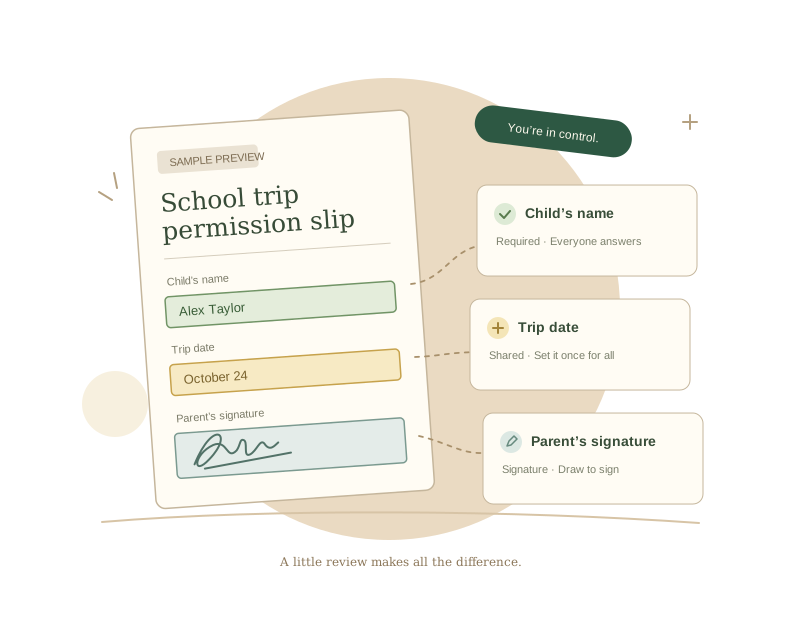
The permission slip now has a name field, a shared trip date, and a signature area, with a preview to check their placement.
A quick check now. Clear answers later.

CHAPTER 02 YOU’RE IN CONTROL

Give it
a quick check.

The trip date is the same for everyone. Each child’s name is different. A parent needs to sign.

Check the suggested questions and sample PDF. Fix anything that needs a change, then try filling it out yourself before you share it.

Think of it as: a practice run. Test submissions don’t send emails.

Explain fields and shared answers
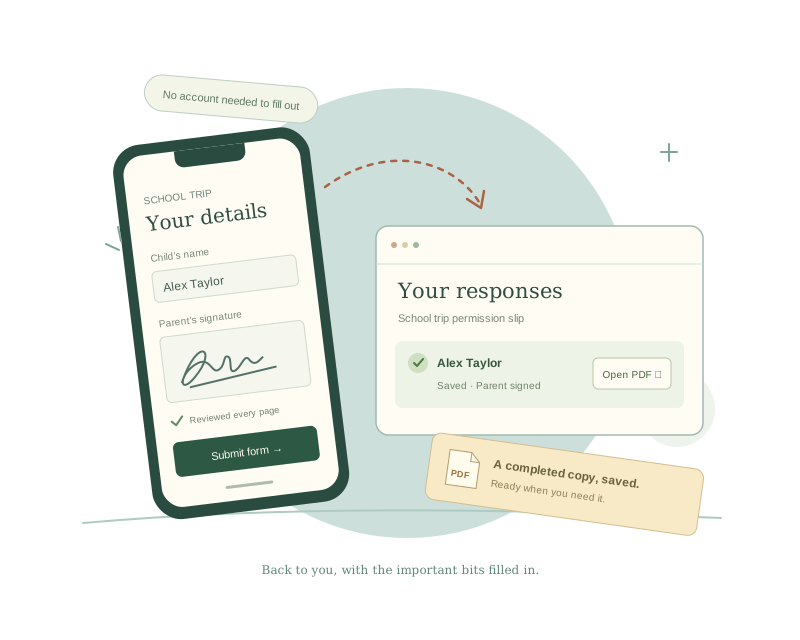
A parent completes and signs the form on a phone; the finished permission slip returns to the organizer’s responses list.
Shared as a link. Returned as a completed PDF.

CHAPTER 03 THE HAPPY RETURN

Send it out.
Get it back, done.

Publish with your email settings to get a public link. Parents open it on their phone or computer, answer the questions, sign, and review their completed PDF.

When they submit, the response is saved. You can open each PDF, check email delivery, or export the answers as a spreadsheet file.

Think of it as: a return tray for your forms. Respondents don’t need an account.
Where do completed forms go?

NEW HERE? YOU’RE IN THE RIGHT PLACE.

No jargon.
Just a little guidance.

What’s a field? Does previewing send anything? Who gets the email? Our simple guide walks you through your first form, one small step at a time.

Read the beginner’s guide

YOUR NEXT FORM STARTS HERE

Keep the form.
Skip the paper shuffle.

Let’s make your first form

Already have an account? Sign in.